Studio

Working on Automatic Car Parking System in Atmega32

Atmega32-Based Smart Car Parking Solution Using ATMEL STUDIO

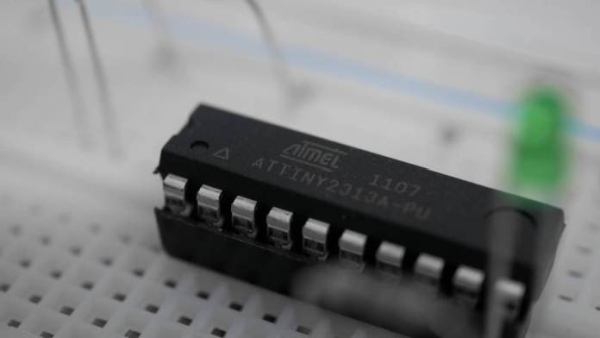
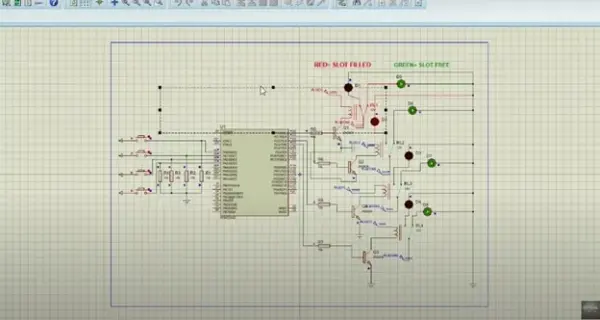
The intelligent microcontroller oversees the operation of an automatic car parking system. Utilizing sensors, this project provides real-time feedback through LED displays. Within the automatic parking system (APS), vehicles are vertically stacked to optimize space. Distinctive system designs facilitate the movement of cars from the entrance to their designated parking slots. As cars enter the […]

Atmega32-Based Smart Car Parking Solution Using ATMEL STUDIO Read More »
All resistances are 330 Ohms

Unleash the Power of AVR Hardware: Build Your Own Calculator with Keypad Input

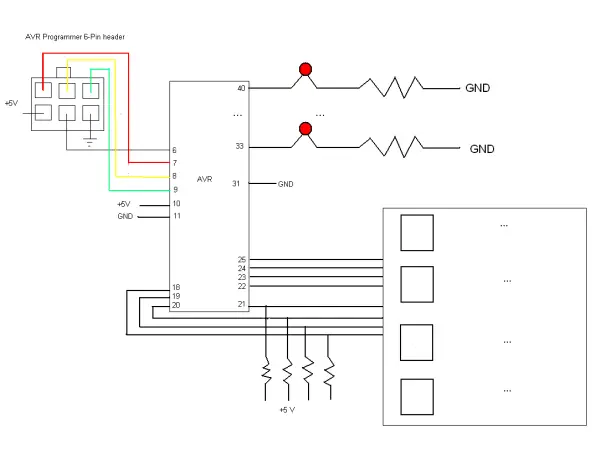
In this lab, we will be preparing our AVR microcontroller hardware for initial programming and debugging. To get started, follow these steps: Construct the circuit as shown on your breadboard. This will allow us to interface our microcontroller with external components. For reference on pin connections and specifications, consult the microcontroller’s datasheet. The datasheet is

Unleash the Power of AVR Hardware: Build Your Own Calculator with Keypad Input Read More »

AVR Simulation with the ATMEL

AVR Simulation with the ATMEL

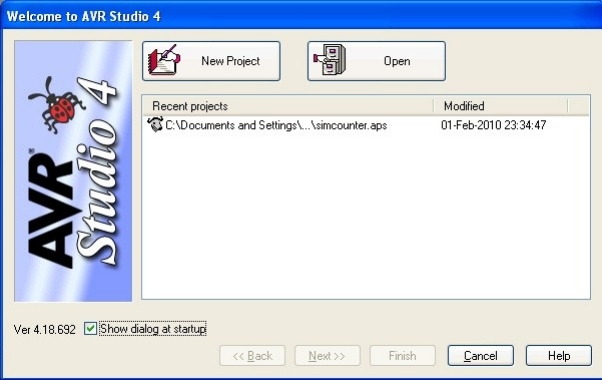
Introduction AVR Studio 4 is a user-friendly Integrated Development Environment (IDE) designed for debugging AVR software. It offers chip simulation and in-circuit emulation capabilities for the AVR microcontroller family. The user interface is intuitively designed to provide comprehensive information and is suitable for both simulation and emulation, enabling users to quickly grasp its functionalities. Getting

AVR Simulation with the ATMEL Read More »

The LED Chasing Effect Project using Atmel AVR Microcontroller

The LED Chasing Effect Project using Atmel AVR Microcontroller

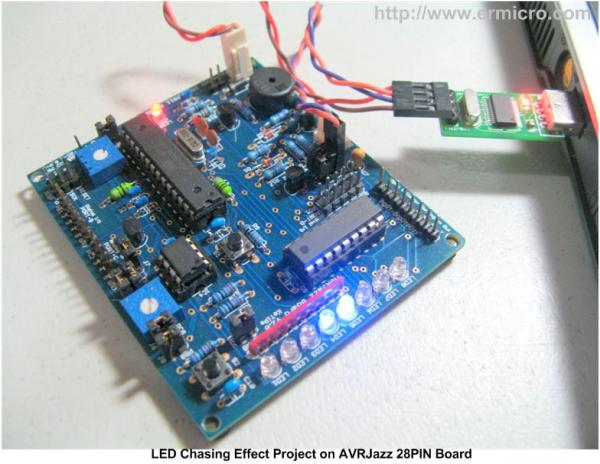
One of the interesting projects for most of the embedded beginners enthusiasts or hobbyists is to build the LED chasing effect. In this project we are going to use both the Arduino IDE and Atmel AVR Studio to program the AVR ATMega168 microcontroller, therefore you could learn to use these well known Integrated Development Environment

The LED Chasing Effect Project using Atmel AVR Microcontroller Read More »

Atmel Studio 7 Latest Version for Windows MacOS

Atmel Studio 7 Latest Version for Windows & MacOS

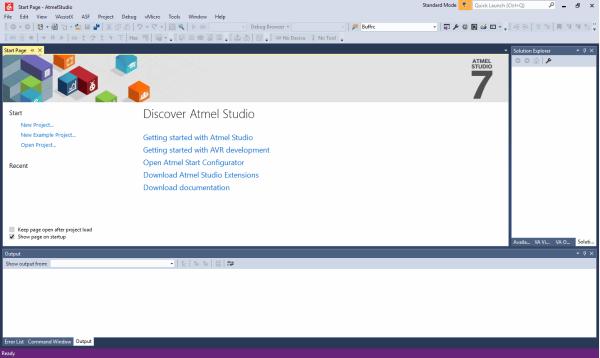
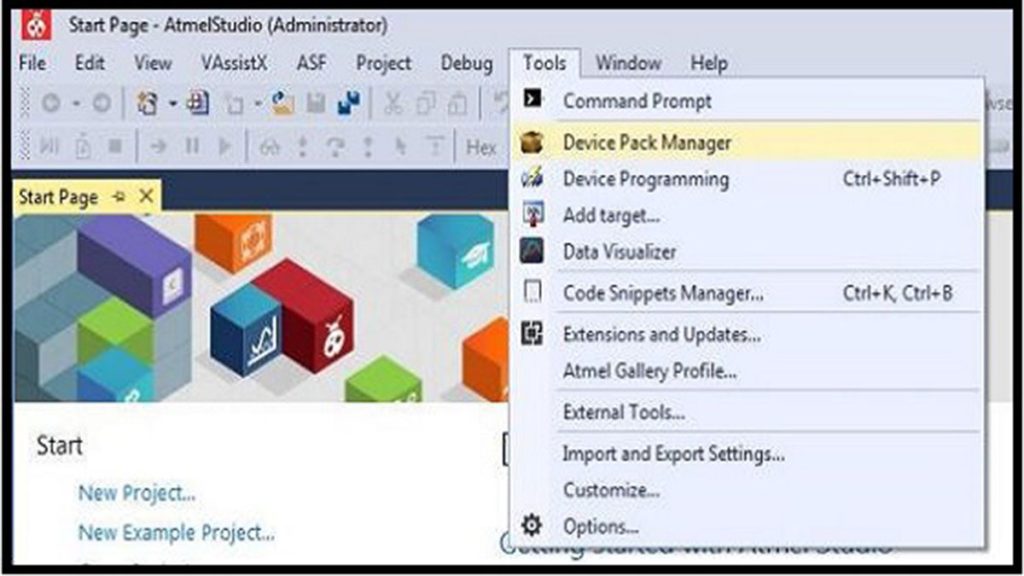
Atmel Studio was developed to help them build and debug microcontroller applications. It comes as a platform for integrated creation that uses the shell of Microsoft Visual Studio. This software manages programs written in C/C++ and even in the language of assembly effectively. I know that as a former student of electronics and telecommunications, Atmel microcontrollers are used intensively in

Atmel Studio 7 Latest Version for Windows & MacOS Read More »

Programming AVR Microcontrollers with Atmel Studio 7

Programming AVR Microcontrollers with Atmel Studio 7

Inexpensive microcontrollers have seen a resurgence thanks to the internet of things (IoT) and wearable devices. These end-uses depend on parts that have low costs rather than record-breaking speed. Because of this, devices like the Atmel AVR series have enjoyed decades of popularity. Any software we develop for these devices eventually needs to go from

Programming AVR Microcontrollers with Atmel Studio 7 Read More »

How to Program AVR Microcontroller Atmega16 Using USBASP programmer and Atmel Studio 7.0 1

How to Program AVR Microcontroller Atmega16 Using USBASP programmer and Atmel Studio 7.0

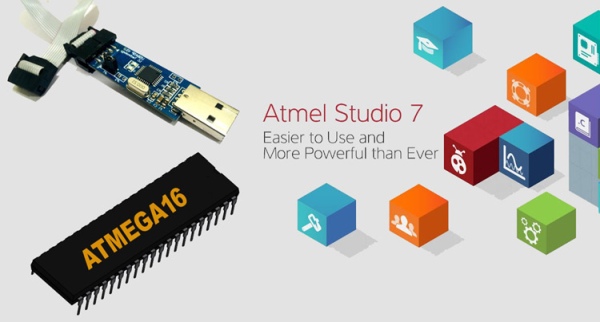
There are several ways to program AVR microcontrollers. We are programming it with USBASP v2.0 serial programmer. For demonstration we will use ATmega16 Microcontroller and Atmel Studio. We will test the programmer with a blink sketch. Below are the steps to burn the code into Atmega ICs using USBASP JTAG and Atmel Studio: Installing USBASP

How to Program AVR Microcontroller Atmega16 Using USBASP programmer and Atmel Studio 7.0 Read More »

Scroll to Top