
Summary of avr studio 4 download
AVR Studio 4 is Atmel's free IDE for programming AVR microcontrollers (ATtiny, ATmega, XMEGA). It offers a user-friendly environment with a color text editor and support for interrupts, timers/counters, and variable inspection. Screenshots show the startup screen and the IDE in action, and a download link is provided.
Parts used in theAVR Studio 4:
- AVR Studio 4 IDE (software)
- ATtiny microcontrollers (supported)
- ATmega microcontrollers (supported)
- XMEGA microcontrollers (supported)
- Computer (to install and run the IDE)
- Downloads link/resource (for obtaining the IDE)
Atmel AVR Studio 4:
AVR Studio 4 is an IDE, launched by atmel for providing better programming envoinment. It can be used to program all the famous series of atmel i.e. Attiny , Atmega, Xmega . The envoivromnet is very user-friendly. Under given is the welcome screen view for the atmel avr 4 which is available free to download.
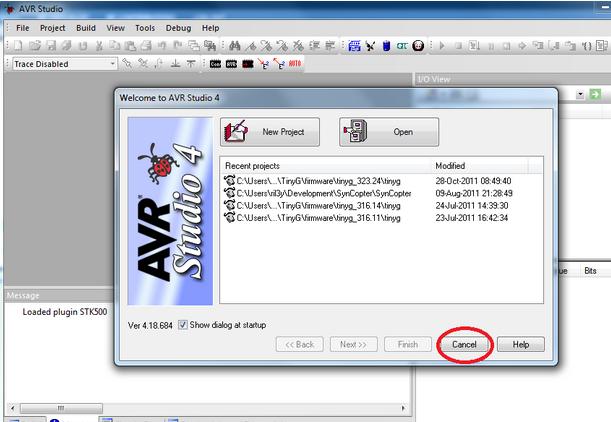
AVR Studio 4, is highly recommended for all types of projects, which is available free to download. It provides color based text editor, intterupts, timers/counters, variable values.
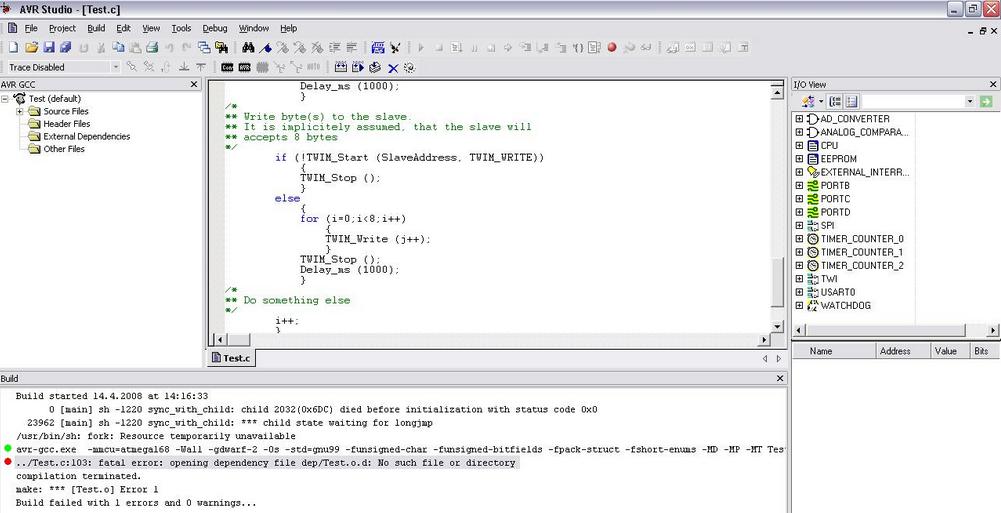
Under given is its link to download.
Free Download AVR studio 4
- What is AVR Studio 4?
AVR Studio 4 is Atmel's free integrated development environment for programming AVR microcontrollers. - Which microcontroller series does AVR Studio 4 support?
It supports ATtiny, ATmega, and XMEGA series. - Is AVR Studio 4 free to download?
Yes, the article states AVR Studio 4 is available free to download. - What editor features does AVR Studio 4 provide?
It provides a color-based text editor. - Does AVR Studio 4 support debugging features like interrupts and timers?
Yes, it provides support for interrupts and timers/counters. - Is AVR Studio 4 recommended for projects?
The article highly recommends AVR Studio 4 for all types of projects. - Where can I see how AVR Studio 4 looks?
The article includes screenshots of the startup screen and the IDE in action.
